How to Automate Your Home: Ultimate Guide to Smart Living
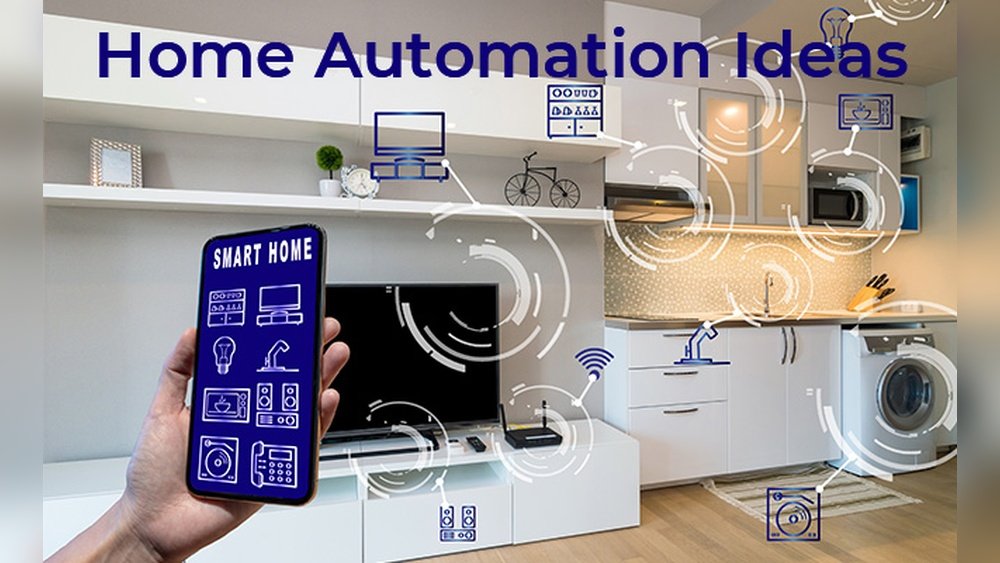
Imagine controlling your lights, thermostat, and security system with just a simple voice command or a tap on your phone. Sounds like the future, right?
But what if you could start making your home smarter today, without any hassle or big expenses? You’re about to discover how easy it is to automate your home step-by-step. Whether you want to save energy, boost security, or simply enjoy more convenience, this guide will show you how to get started and grow your smart home at your own pace.
Ready to transform your living space into a modern, connected haven? Let’s dive in.
Starting With Smart Devices
Starting your home automation journey is simple with smart devices. These gadgets are easy to install and use. They help you control your home remotely. Choose devices that fit your daily needs. Begin with basic tools and expand later. This approach saves money and reduces complexity. Smart devices also work with voice commands. They make everyday tasks faster and more fun.
Smart Plugs And Bulbs
Smart plugs turn regular devices into smart ones. Plug lamps or fans into them. Then control these devices through an app or voice commands. Set schedules to turn devices on or off automatically. Smart bulbs replace normal light bulbs. Control brightness and color with a phone or voice assistant. Change lighting moods without moving from your seat. Both smart plugs and bulbs require no special wiring. They are perfect for beginners in home automation.
Smart Speakers And Displays
Smart speakers listen to your voice commands. Devices like Amazon Echo or Google Nest are popular choices. Use them to control smart plugs, bulbs, and other devices. Smart displays add a screen for more interaction. See weather, watch videos, or view security cameras. These devices serve as a control center for your smart home. They help connect all smart devices for easy management. Voice control adds convenience and accessibility for all users.
Choosing A Smart Home Platform
Choosing a smart home platform is the first step to automate your home effectively. It acts as the brain of your smart devices. The right platform helps connect all your gadgets in one place. This makes managing your home simple and convenient. Consider the platform’s compatibility with devices you want to use. Also, think about ease of use and voice assistant options. Here are three popular smart home platforms to consider.
Amazon Alexa
Amazon Alexa is a widely used smart home platform. It works with many smart devices from different brands. Alexa allows voice control through Echo speakers and other devices. You can create routines to automate daily tasks. It supports smart lights, plugs, cameras, and more. The Alexa app lets you manage devices from anywhere. It is easy to set up and use for beginners.
Google Home
Google Home offers a simple way to control smart devices. It uses Google Assistant for voice commands. The platform supports many popular smart home products. Google Home can manage lights, thermostats, and security cameras. It integrates well with Android phones and Google services. The Google Home app provides a clear interface for device control. It also allows creating routines for automation.
Apple Homekit
Apple HomeKit is ideal for users within the Apple ecosystem. It connects smart devices using the Home app on iPhone or iPad. HomeKit focuses on privacy and security for your smart home. It supports various accessories like lights, locks, and cameras. Siri voice control is available on Apple devices. Setting up HomeKit is straightforward for Apple users. It ensures smooth integration with other Apple products.
Expanding Your Smart Home Setup
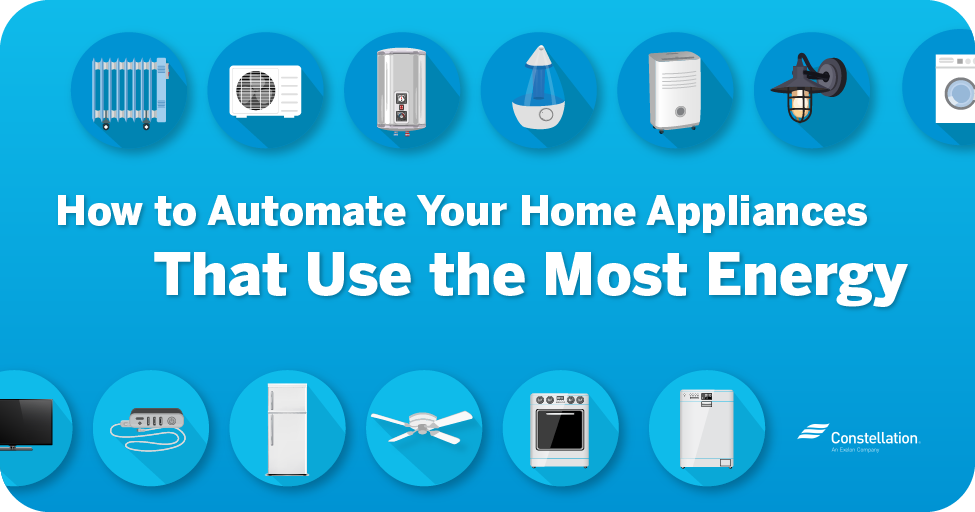
Expanding your smart home setup enhances convenience and safety. Adding more devices lets you control your home environment with ease. It also improves energy efficiency and security. Start by choosing devices that fit your lifestyle and needs. Focus on simple installation and reliable performance.
Smart Thermostats
Smart thermostats regulate your home temperature automatically. They learn your schedule and adjust heating or cooling. You save money on energy bills by avoiding waste. Control them remotely through a smartphone app. Some models also provide energy usage reports. This helps you track and reduce consumption effectively.
Security Devices
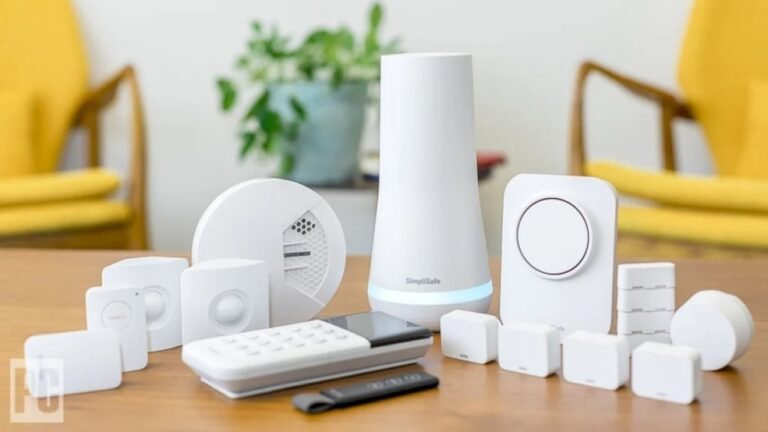
Security devices protect your home and give peace of mind. Install smart cameras to monitor entrances and key areas. Motion sensors alert you to unusual activity instantly. Smart door locks allow keyless entry and remote locking. These devices connect to your phone for real-time updates. They create a safer home environment without hassle.
Smoke And Carbon Monoxide Detectors
Smart smoke and carbon monoxide detectors alert you to dangers faster. They send notifications to your phone even when you are away. These devices test themselves regularly for reliability. Some models can silence false alarms from your app. Early warning helps prevent accidents and keeps everyone safe.
Credit: pragprog.com
Setting Up Automations
Setting up automations is the heart of a smart home. It helps your devices work together without manual effort. Automations save time and make daily tasks easier. They can turn lights on at sunset or start your coffee maker in the morning. Smart home hubs or apps often guide you through creating these automations. Focus on simple setups first to avoid confusion. As you grow more comfortable, add more complex routines for convenience and comfort.
Creating Routines
Routines link multiple actions triggered by one command or event. For example, a “Good Morning” routine can open curtains, adjust the thermostat, and play music. Most smart home apps offer preset routines you can customize. Choose actions that fit your lifestyle. Keep routines short and clear to ensure they run smoothly. Test each routine before relying on it daily. Routines make your home respond to your needs automatically.
Scheduling Devices
Scheduling lets devices run at specific times without your input. You can set lights to turn off at night or sprinklers to water the garden early. Use the scheduling feature in your smart home app to set times and days. This saves energy and improves security by keeping your home active. Adjust schedules seasonally to match your routine. Scheduling brings regularity and control to your smart home devices.
Ensuring Network Reliability
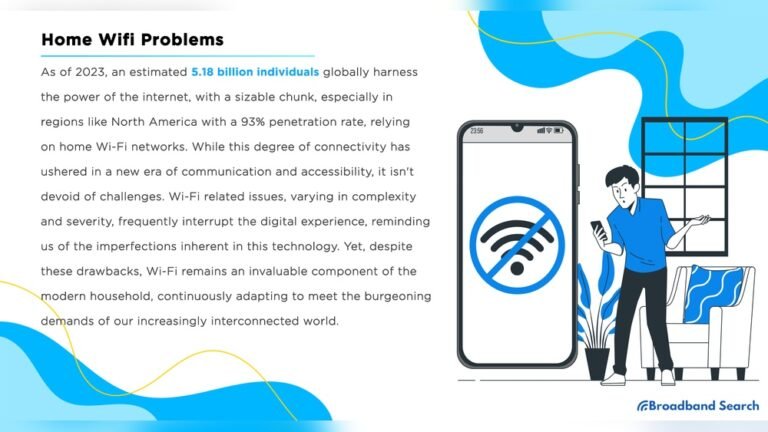
Reliable network connectivity is vital for any automated home setup. Smart devices depend on a strong network to work seamlessly. Interruptions can cause delays or failures in commands. Ensuring network reliability means fewer frustrations and smoother automation.
Simple steps can boost your home network’s strength. Focus on both the quality of your Wi-Fi and ways to improve your signal. This keeps all your smart devices connected without trouble.
Wi-fi Requirements
Choose a router that supports the latest Wi-Fi standards like Wi-Fi 5 or Wi-Fi 6. These offer faster speeds and better handling of multiple devices at once. Check the coverage area to match your home size. Large homes may need routers with greater range or additional access points.
Secure your Wi-Fi with a strong password to prevent unauthorized access. Use WPA3 encryption if your router supports it. A secure network protects your smart devices and personal data.
Improving Connectivity
Place your router in a central location to reach all rooms evenly. Avoid placing it near thick walls or metal objects that block signals. Consider using Wi-Fi extenders or mesh systems to fill coverage gaps.
Regularly update your router’s firmware to fix bugs and improve performance. Disconnect unused devices to reduce network traffic. This helps maintain a steady connection for your smart home gear.

Credit: www.amazon.com
Tips For Budget-friendly Automation
Automating your home does not have to break the bank. Smart choices and simple steps can keep costs low. A budget-friendly approach means focusing on essential devices first. It also involves planning for gradual upgrades over time. This strategy helps avoid overspending and device clutter. Here are key tips to start smart and save money.
Starting Small
Begin with basic devices that offer the most value. Smart plugs and bulbs are affordable and easy to install. They let you control lights and appliances remotely. This small step introduces automation without complex setup. Add a smart speaker for voice commands and simple routines. Starting small allows learning and adjustment before bigger investments.
Choosing Compatible Devices
Select devices that work well together. Compatibility ensures smooth control from one app or hub. Check if devices support popular platforms like Amazon Alexa, Google Home, or Apple HomeKit. Mixing brands can cause connection issues and frustration. Picking compatible devices saves time and avoids extra costs later. Focus on security and reliable brands for peace of mind.
Security And Privacy Considerations
Automating your home brings convenience and comfort. Security and privacy must not be overlooked. Smart devices connect to the internet, creating potential risks. Protecting your home and data is essential for peace of mind. Follow simple steps to keep your smart home safe.
Device Security
Choose smart devices from trusted brands with strong security features. Change default passwords to unique, strong ones. Regularly update device firmware to fix security flaws. Disable unnecessary features like remote access if not needed. Use a separate network for smart devices to limit exposure. Monitor device activity for unusual behavior.
Data Privacy Practices
Read privacy policies to understand how companies use your data. Limit data sharing by adjusting device settings. Avoid linking multiple accounts to reduce data exposure. Use encrypted connections for all smart home devices. Turn off voice assistants when not in use. Regularly review app permissions and delete unused apps.
Credit: blog.constellation.com
Frequently Asked Questions
What Is The Best Way To Automate Your Home?
Start home automation with smart plugs and bulbs for easy control and scheduling. Add devices like smart switches and sensors gradually. Choose a reliable platform such as Amazon Alexa, Google Home, or Apple HomeKit to integrate devices. Ensure your Wi-Fi supports all connections for smooth operation.
How To Make A Home Automation?
Start by choosing smart plugs, bulbs, and a smart speaker for voice control. Select a smart home platform like Alexa or Google Home. Connect devices gradually and create routines for automation. Ensure a strong Wi-Fi network to support all devices securely.
How Do I Turn My Home Into A Smart Home?
Start with smart plugs, bulbs, and a smart speaker for voice control. Add smart thermostats, cameras, and locks next. Choose a platform like Alexa, Google Home, or Apple HomeKit to integrate devices. Ensure your Wi-Fi supports all connections. Create routines for automation and ease of use.
What Are Examples Of Home Automation?
Examples of home automation include smart plugs, bulbs, thermostats, security cameras, doorbells, locks, and voice-controlled speakers. These devices allow remote control and scheduling.
Conclusion
Automating your home brings comfort and control right to your fingertips. Start small with smart plugs or bulbs to see the benefits. Add more devices step-by-step to fit your needs and budget. Use a central hub to connect everything easily.
Keep security in mind while choosing devices. Enjoy the convenience of managing your home from anywhere. A smart home makes daily tasks simpler and saves energy. Take your time, and customize your setup for best results. Home automation is a smart choice for modern living.