How to Use Laser Measuring Tool: Master Accuracy Like a Pro
If you’ve ever struggled with a traditional tape measure, you’ll appreciate how a laser measuring tool can make your life easier. This handy device lets you get quick and precise measurements without the hassle of dragging out bulky tapes or climbing ladders.
But how exactly do you use one to get the best results? Whether you’re tackling a home renovation, planning furniture placement, or working on a construction project, mastering the laser measure will save you time and frustration. Keep reading, and you’ll learn simple, step-by-step tips to confidently use your laser measuring tool like a pro.
Credit: lasertoolsco.com
Laser Measure Basics
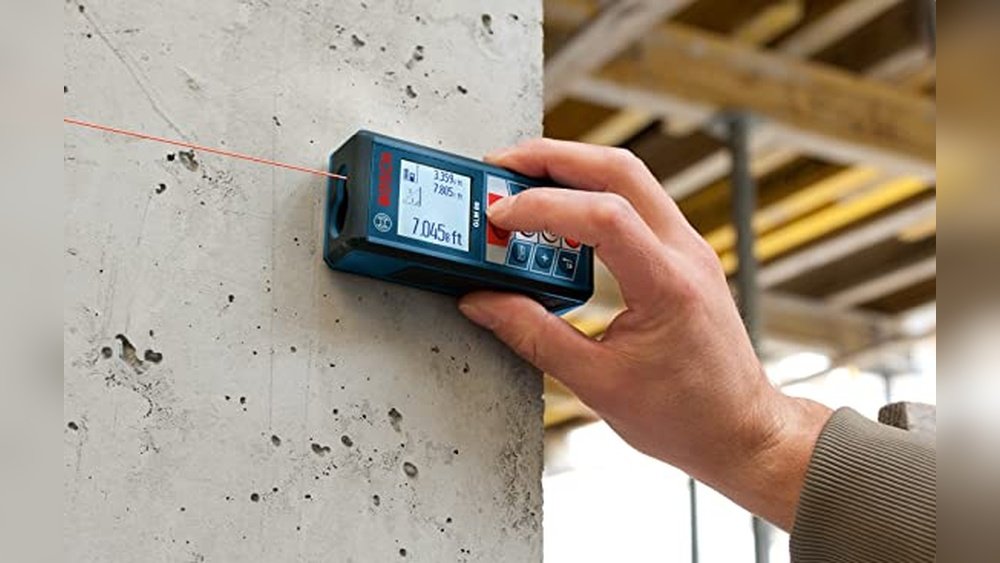
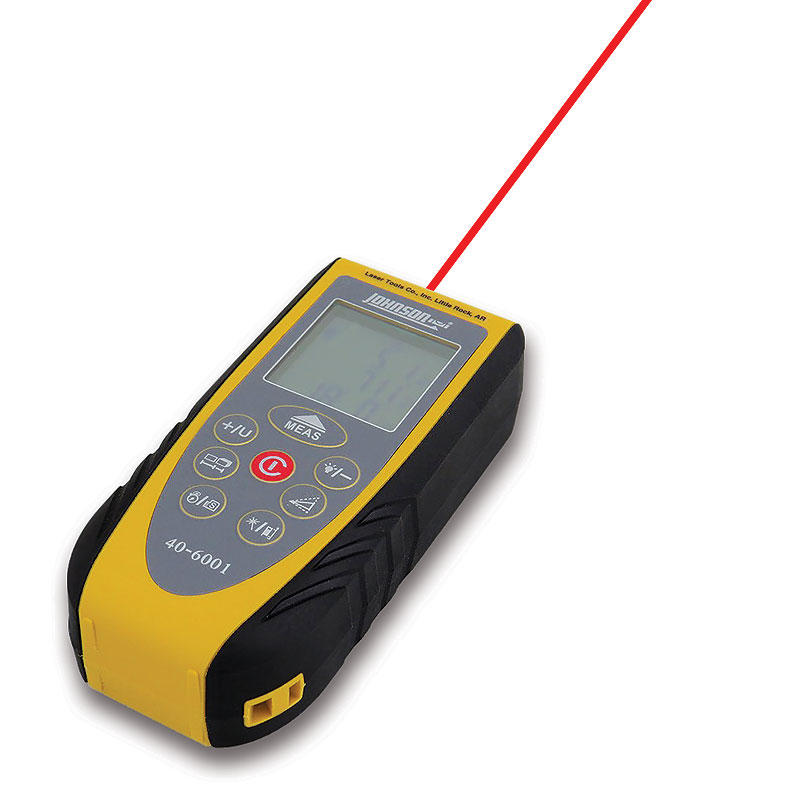
Understanding the basics of a laser measuring tool makes your measuring tasks easier and faster. This tool uses a laser beam to measure distances accurately. It is simple to use, even for beginners. Knowing how to set up the device, pick the right points, and aim the laser helps you get precise results.
Device Setup
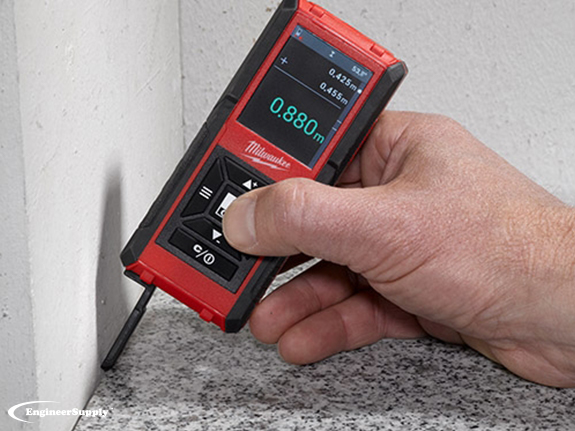
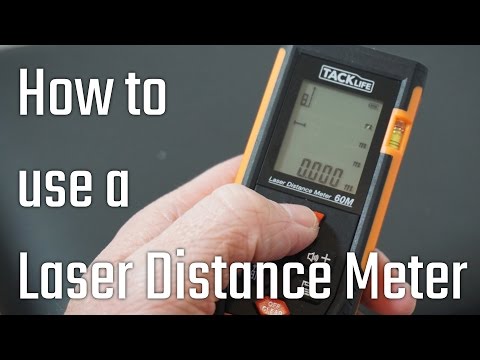
Start by turning on the laser measure device. Check the battery level to avoid interruptions. Place the base of the device firmly against a wall or flat surface. Some devices allow you to attach a tripod for more stability. Make sure the screen is visible and the buttons are working properly.
Choosing Reference Points
Select a clear point to start measuring. This point should be easy to reach and stable. It can be a corner, an edge, or a flat surface. The laser will measure from this point to the target. Avoid using reflective or uneven surfaces as reference points. Clear points ensure the best accuracy.
Aiming The Laser
Hold the device steady and point the laser beam toward the target spot. The target should be flat and visible to the laser. Keep your hand steady to avoid errors. Press the measure button to record the distance. Check the screen for the result before moving the device.
Credit: www.engineersupply.com
Taking Accurate Measurements
Advanced measurement features make laser measuring tools more useful than simple distance meters. These tools can quickly calculate area and volume, saving time on complex projects. They also offer indirect measurement options, which come in handy when direct measuring is hard. Understanding these features helps you get more accurate results and simplifies your work.
Calculating Area
To calculate area, first measure the length of a room or surface. Then measure the width. The laser tool multiplies these numbers automatically. The screen shows the area in square feet or meters. This feature is useful for flooring, painting, or landscaping projects. It reduces errors compared to manual calculations.
Measuring Volume
Volume measurement needs three dimensions: length, width, and height. Use the laser tool to get each measurement. The device calculates the total volume and shows it on the screen. This is helpful for storage spaces or rooms. It helps estimate how much material is needed or how much space is available.
Using Indirect Measurements
Indirect measurement works when direct line-of-sight is blocked. The tool uses the Pythagorean theorem to find distances. Measure two sides of a triangle, and the device calculates the third side. This method is perfect for measuring heights of walls or trees. It is safe and avoids the need for ladders or extra tools.
Credit: www.youtube.com
Frequently Asked Questions
How Accurate Is A Laser Measuring Tool?
A laser measuring tool typically offers accuracy within 1/16 to 1/8 inch. Accuracy varies by model and distance. Proper use ensures precise results.
What Must Be Avoided When Using A Laser Level?
Avoid looking directly into the laser beam. Do not point the laser level at people, vehicles, or reflective surfaces. Always read the manual and turn off the device when not in use. Avoid using it in extreme temperatures or on uneven surfaces for accurate results.
What Are The Common Problems With Laser Measures?
Common problems with laser measures include sensor calibration errors, extreme temperature effects, misaligned laser beams, and surface reflectivity issues.
Can I Use My Phone As A Laser Measure?
You cannot use your phone as a true laser measure without special hardware. Some apps simulate measuring but lack laser accuracy. For precise measurements, use a dedicated laser measuring device.
Conclusion
Using a laser measuring tool makes measuring quick and easy. Always hold it steady and point the laser clearly. Check the screen for accurate distance results. Practice a few times to get comfortable with the device. Remember, avoid shining the laser in anyone’s eyes.
With these simple steps, measuring becomes more precise and less time-consuming. Keep your tool clean and store it safely after use. Enjoy the convenience and accuracy this tool brings to your projects.