Smart homes are becoming more popular every day. Using smart devices can make life easier and safer. But how do you start? And what tips help you build a smarter home? This guide shares simple ideas to automate your home. It uses easy words and short sentences. You will learn how to save time and energy at home.
What Is Smart Device Automation?
Smart device automation means using technology to control things in your home. You can control lights, doors, heaters, and more. Automation means these devices work by themselves. For example, lights turn on when you enter a room. Or the heater turns off when the room is warm. This makes your home more comfortable and saves energy.
Why Automate Your Home?
- Save time by doing tasks automatically.
- Use less energy and lower bills.
- Keep your home safe with smart security.
- Control your home from anywhere using your phone.
- Make life easier for children and older people.
Start Small: Choose Easy Smart Devices
Start with simple devices. Here are some good choices:
| Device | What It Does | Why It Helps |
|---|---|---|
| Smart Lights | Turn on/off with voice or phone app. | Saves electricity, easy to control. |
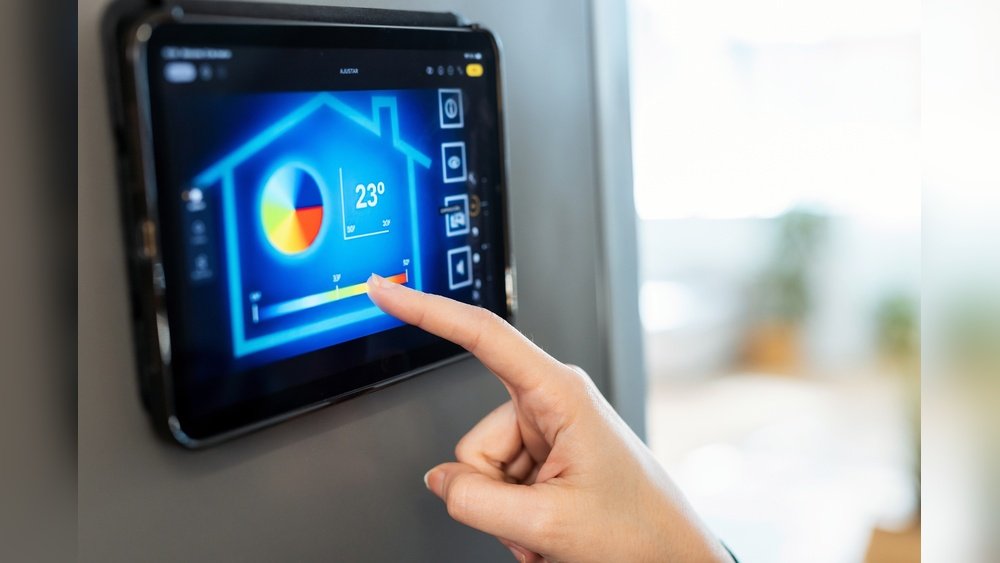
| Smart Thermostat | Adjusts temperature automatically. | Comfort and energy savings. |
| Voice Assistant | Controls devices by speaking. | Hands-free and simple to use. |
| Smart Locks | Lock and unlock doors remotely. | Increases home security. |
| Smart Cameras | Watch your home from anywhere. | Helps keep your home safe. |

Credit: veritais.com
Tips for Setting Up Smart Lighting Automation
Smart lighting is a great start. Here’s how to make it work well:
- Group your lights: Put lights in rooms or zones. Control many at once.
- Use schedules: Set lights to turn on/off at certain times.
- Use motion sensors: Lights turn on when you enter a room.
- Use dimmers: Adjust light brightness for comfort.
- Control by voice: Connect to a voice assistant for hands-free control.
How to Automate Security Systems
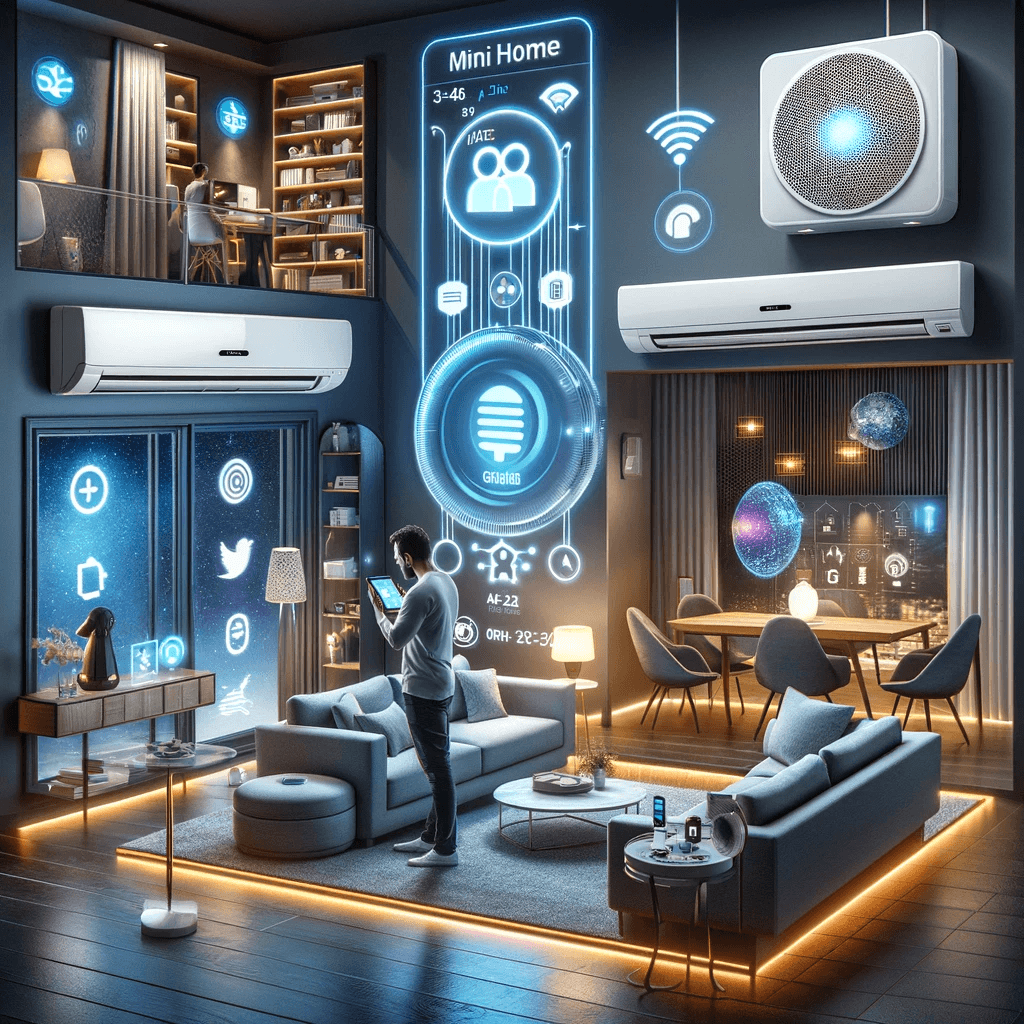
Security is important in every home. Smart devices can help protect your family.
- Smart Locks: Lock doors automatically at night.
- Cameras: Watch your home on your phone.
- Motion Sensors: Get alerts if someone moves in your home.
- Alarm Systems: Arm or disarm alarms remotely.
- Lighting: Turn on lights to scare away intruders.
Credit: mrcooldiydirect.com
Adding More Smart Devices
As you get comfortable, add more devices. Here are some ideas:
- Smart Curtains: Open or close with a button or schedule.
- Smart Appliances: Washers, ovens, or refrigerators you can control remotely.
- Smart Speakers: Play music or answer questions by voice.
- Leak Detectors: Get alerts if water leaks start.
Use a Voice Assistant
Voice assistants like Alexa or Google Assistant help control your devices. You can ask them to:
- Turn on lights
- Set the thermostat
- Play music
- Lock doors
- Answer simple questions
This makes your home hands-free and easy to control.
Check Your Internet Connection
Smart devices need good internet. If your Wi-Fi is slow, devices may not work well.
- Place your router in a central place.
- Use Wi-Fi extenders for large homes.
- Choose a strong and stable internet plan.
Protect Your Network
Smart homes connect many devices. Protect your network to keep your data safe.
- Use strong passwords for Wi-Fi and devices.
- Change default passwords on devices.
- Keep device software updated.
- Use a firewall or security app if possible.
Plan Your Smart Home Automation
Planning helps you avoid problems. Follow these steps:
- Set your goals: What do you want to control or automate?
- Choose devices: Start with basics, then add more.
- Check compatibility: Make sure devices work together.
- Decide on a hub: Some homes use a smart hub to control devices.
- Set a budget: Smart homes can cost money. Plan how much to spend.
Common Smart Home Automation Ideas
Here are some easy automation ideas you can try at home:
- Turn off lights when no one is home.
- Turn on porch lights at sunset.
- Lock doors automatically at night.
- Get alerts if a door or window opens unexpectedly.
- Turn on heater before you arrive home.
- Use humidity sensors to control bathroom fans.
Smart Device Automation Safety Tips
- Use secure passwords and change them often.
- Keep software and apps updated.
- Only buy devices from trusted brands.
- Limit who can control your devices.
- Turn off devices when not in use if possible.
Frequently Asked Questions
What Is Smart Device Automation In A Home?
Smart device automation lets devices work together without manual control.
How Can I Start Automating My Smart Home?
Begin with smart bulbs, thermostats, and voice assistants for easy control.
Which Smart Devices Improve Home Security Automation?
Smart locks, cameras, sensors, and alarms enhance home security automation.
Can Smart Lighting Save Energy In My Home?
Yes, automated lights adjust brightness and turn off when rooms are empty.
Conclusion
Smart device automation can make your home easier and safer. Start with simple devices like smart lights and thermostats. Use voice assistants to control them easily. Protect your internet and devices with strong passwords. Plan your smart home carefully. Add more devices as you go. With these tips, your home will be smarter in no time.
Remember, smart homes are about making life easier. Take small steps and enjoy the benefits every day.