How to Install Smart Lights: Easy Steps for a Brilliant Home Upgrade
Smart lights can make your home more convenient and modern. They let you control lights from your phone or voice. This guide will help you install smart lights step-by-step. You do not need to be an expert. Just follow simple steps carefully.
What Are Smart Lights?
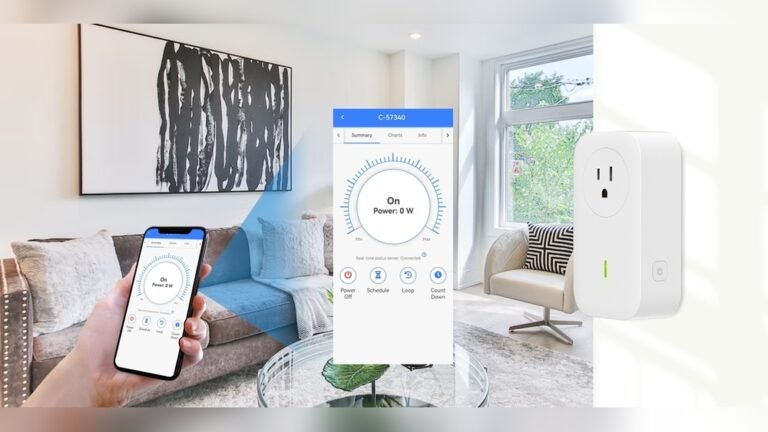
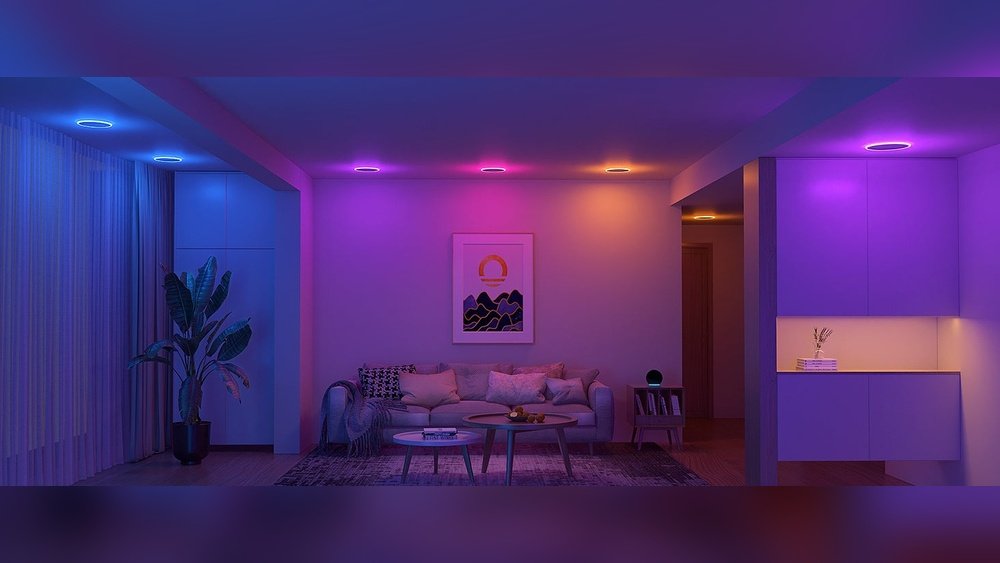
Smart lights are light bulbs or switches that connect to Wi-Fi. You can turn them on or off from your phone. Some can change colors or dim. They work with apps or voice assistants like Alexa or Google.
What You Need Before Installation
Before starting, make sure you have these items:
- Smart light bulbs or smart switches
- Smartphone or tablet with the light app
- Wi-Fi internet connection
- Basic tools like a screwdriver (for switches)
- Smart hub (only if your smart lights need one)
Most smart bulbs do not need a hub. But some smart switch systems do.

Credit: www.wikihow.com
Types of Smart Lights
You can choose from two main types:
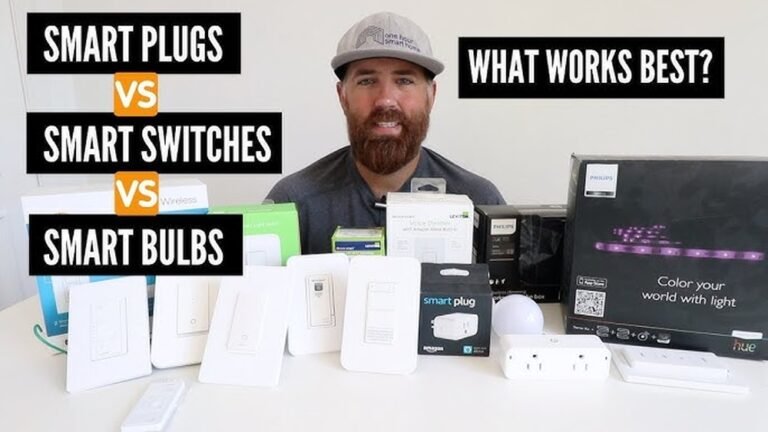
- Smart Bulbs: These bulbs fit into normal light sockets.
- Smart Switches: These replace your wall light switches.
We will explain how to install both types below.
How to Install Smart Bulbs
Smart bulbs are the easiest to install. Follow these steps:
Step 1: Turn Off The Light
Make sure the light is off before you start. This keeps you safe and protects the bulb.
Step 2: Remove The Old Bulb
Unscrew the old bulb carefully. Use a cloth if the bulb is hot.
Step 3: Screw In The Smart Bulb
Put the smart bulb in the socket. Screw it gently but firmly.
Step 4: Turn The Light On
Switch on the light to power the smart bulb.
Step 5: Download The App
Find the smart bulb app in your phone’s app store. Download and install it.
Step 6: Connect The Bulb To Wi-fi
Open the app and follow instructions to connect the bulb to your Wi-Fi network. Usually, the app will ask you to press the bulb’s power button a few times.
Step 7: Name Your Bulb
Give your bulb a name like “Living Room” or “Bedroom.” This helps you control it easily later.
Step 8: Test Your Bulb
Try turning the light on and off with the app. You can also change brightness or color if your bulb supports it.
How to Install Smart Switches
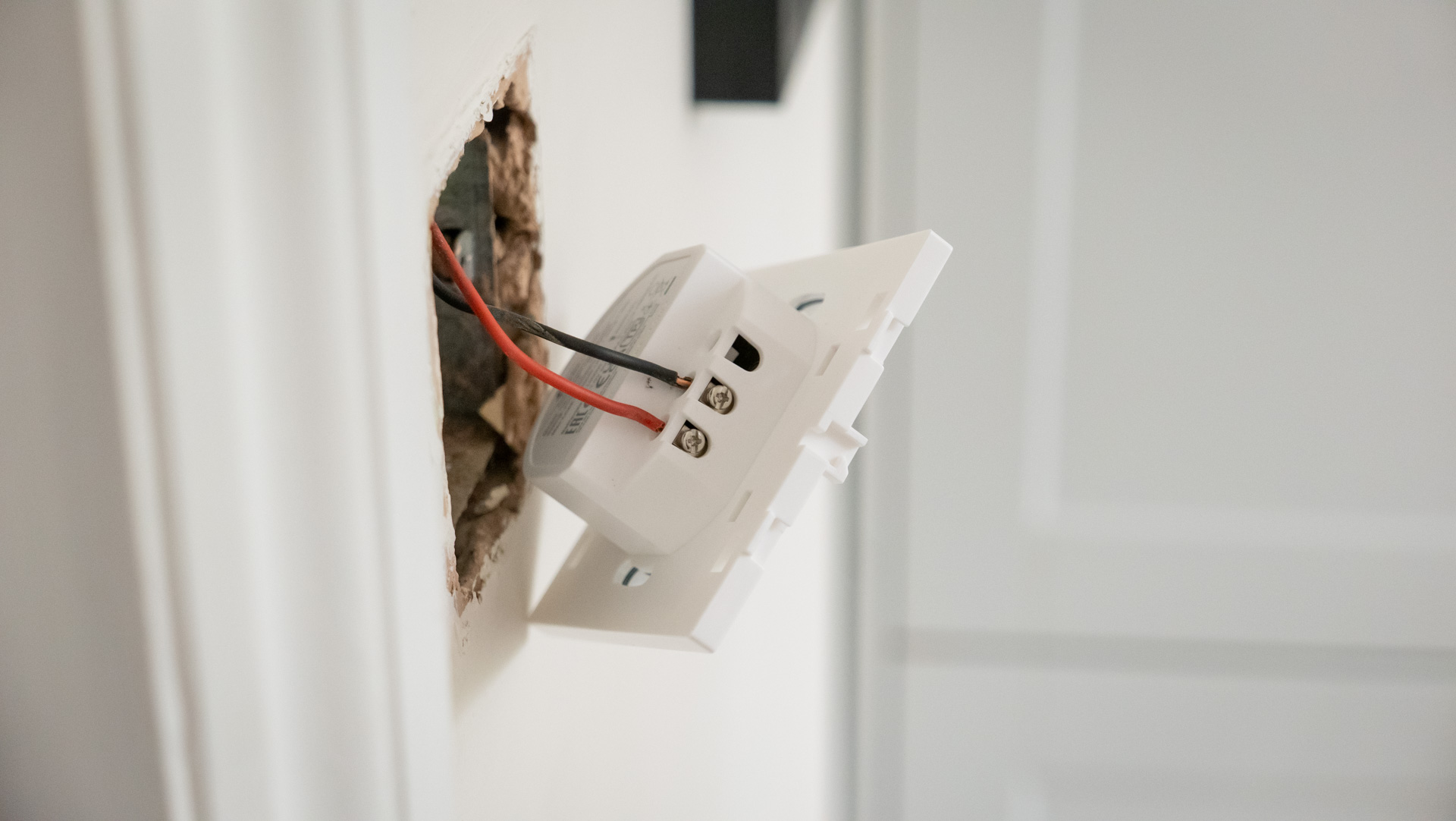
Smart switches replace your old wall switches. They need some basic wiring. If you do not feel safe, ask an electrician for help.
Step 1: Turn Off Power
Go to your home’s circuit breaker and turn off power to the switch you want to replace. This is very important for safety.
Step 2: Remove Old Switch
Use a screwdriver to take off the switch cover. Then unscrew the old switch from the wall.
Step 3: Note The Wires
Look at how the wires connect to the old switch. Take a photo or write down their positions.
Step 4: Disconnect Old Switch
Carefully disconnect the wires from the old switch.
Step 5: Connect Smart Switch Wires
Follow the smart switch instructions. Connect the wires to the new switch. Usually, you will connect the live wire, neutral wire, and ground wire.
Step 6: Fix The Switch To The Wall
Screw the smart switch into the wall box. Then put the cover plate on.
Step 7: Turn On Power
Go back to the circuit breaker and turn on the power.
Step 8: Set Up The Switch In The App
Open the switch’s app on your phone. Follow the steps to connect the switch to Wi-Fi.
Step 9: Test The Switch
Use the app or the switch itself to turn the light on and off.
Using a Smart Hub
Some smart lights need a hub to work. The hub connects to your internet router. It helps control many lights in your home.
To set up a hub:
- Plug the hub into your router with an ethernet cable.
- Plug the hub into power.
- Open the app and connect the hub to Wi-Fi.
- Add smart bulbs or switches to the hub through the app.
Tips for Smooth Installation
- Use a strong Wi-Fi signal for better control.
- Keep the app updated for new features and security.
- Label your bulbs and switches clearly in the app.
- Check the bulbs’ brightness and color options before buying.
- Keep your old bulbs just in case you want to switch back.
Can You Install Smart Lights Without an Electrician?
Yes, you can install smart bulbs yourself easily. For smart switches, basic wiring is needed.
If you do not know wiring, it is safer to hire an electrician. This avoids risk of electric shock or damage.
How to Convert Old Lights to Smart Lights
If you want to keep your old bulbs, you can use smart adapters. These adapters fit between the bulb and socket. They let you control the bulb remotely.
Smart adapters are easy to install and affordable.
Benefits of Smart Lights
Smart lights bring many advantages to your home:
- Control lights from anywhere using your phone.
- Set schedules to turn lights on or off automatically.
- Save energy by dimming or turning off lights remotely.
- Create moods with colors and brightness settings.
- Use voice commands with smart assistants.
Common Problems and How to Fix Them
Sometimes smart lights may not work as expected. Here are common problems and fixes:
| Problem | Possible Cause | How to Fix |
|---|---|---|
| Light not connecting to Wi-Fi | Weak Wi-Fi signal or wrong password | Move closer to router or check password |
| Bulb not responding to app | Power cycle needed or app glitch | Turn bulb off and on, restart app |
| Smart switch does not work | Wiring error or power off | Check wiring or turn on power at breaker |
| Lights flicker | Incompatible dimmer or loose bulb | Use compatible bulbs, tighten bulbs |
Credit: www.techradar.com
Frequently Asked Questions
Do You Need An Electrician To Install Smart Lights?
No, you don’t need an electrician to install smart lights. Basic wiring skills help. Hire one if unsure or inexperienced.
How To Install Smart Lights In Your Home?
Screw smart bulbs into fixtures and power them on. Download the app and connect bulbs to Wi-Fi. Name bulbs for easy control. For smart switches, turn off power, replace switches, then connect to the app. Hire an electrician if unsure about wiring.
What Do I Need For A Smart Lighting Setup?
You need smart bulbs or switches, a compatible app, stable Wi-Fi, and optionally a smart hub for extensive setups. Install bulbs, connect to Wi-Fi, and control via the app. For complex wiring, consider professional help to ensure safety and functionality.
Can I Turn Any Light Into A Smart Light?
You can turn most lights into smart lights using smart bulbs, adapters, or smart switches. Some setups need a hub.
Conclusion
Installing smart lights is simple and useful. Start with smart bulbs if you want an easy setup. Use smart switches if you want wall control. Always follow safety steps during installation. Use apps to enjoy smart light features fully.
Smart lighting can make your home brighter and smarter. Take your time and enjoy the process!