
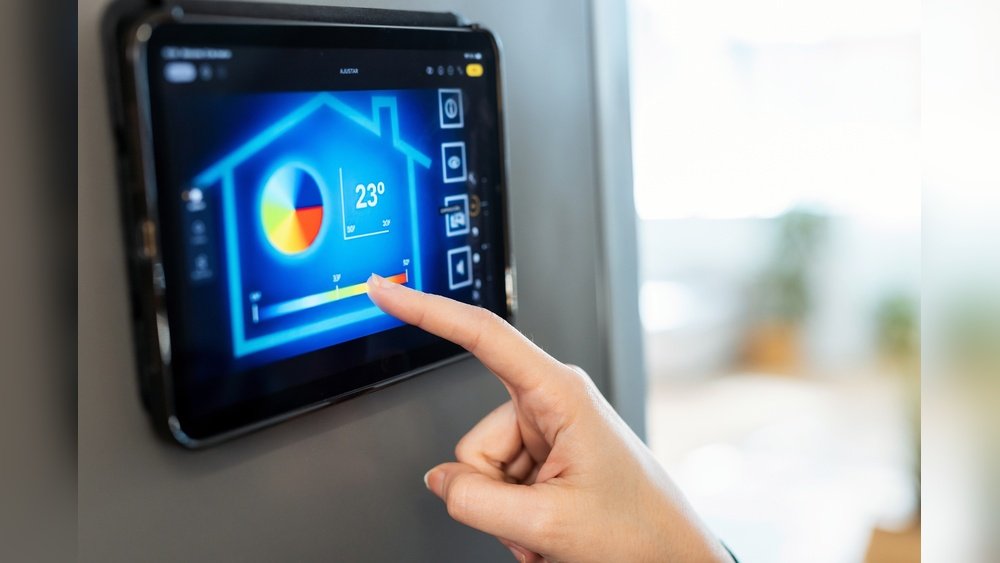
Smart Device Automation Tips: Ultimate Hacks to Boost Efficiency
Smart devices are part of many homes now. They help make life easier. But using them well needs some knowledge. This guide has simple tips for smart device automation.
What Is Smart Device Automation?
Smart device automation means setting up devices to work by themselves. For example, lights that turn on when you enter a room. Or a thermostat that changes temperature at night. This saves time and energy.
Why Use Smart Device Automation?
- Saves energy and money
- Makes daily tasks easier
- Improves home security
- Helps people with special needs
Get Started with These Tips
1. Choose The Right Devices
Start by picking devices that fit your needs. Some common devices are smart lights, thermostats, cameras, and speakers. Check if devices work with each other. Devices from the same brand often work better together.
2. Connect To A Strong Wi-fi Network
Smart devices need good internet to work well. Use a strong Wi-Fi signal in your home. Place the router where the signal reaches all rooms. If needed, use Wi-Fi boosters or mesh networks.
3. Secure Your Network
Security is very important. Change the default password of your router. Use a strong password with numbers and letters. Keep your devices’ software updated. This helps protect against hackers.
4. Start Small
Don’t buy many devices at once. Start with one or two devices. Learn how to use them well. Add more devices later as you feel comfortable.
5. Use Voice Commands
Many smart devices work with voice assistants. Examples are Alexa, Google Assistant, and Siri. You can ask your device to turn on lights or play music. Voice commands make control easy and fast.
6. Create Automation Rules
Automation rules tell devices when to act. For example, set lights to turn on at sunset. Or have the thermostat lower temperature when you leave home. Use simple rules at first and add more later.
7. Group Devices
Group similar devices to control them together. For example, group all living room lights. You can turn them on or off with one command. This saves time and effort.
8. Use Schedules
Set schedules for devices to work at certain times. For example, lights turn off at midnight. Or coffee maker starts in the morning. Schedules make your home routine smooth.
9. Monitor Energy Use
Some smart devices show energy use. Check this to save money on bills. Turn off devices that use too much power. Use timers to avoid wasting electricity.
10. Keep Devices Updated
Manufacturers release updates to improve devices. Update your devices regularly. This fixes bugs and adds new features. Updates also improve security.
Credit: www.tatapower.com
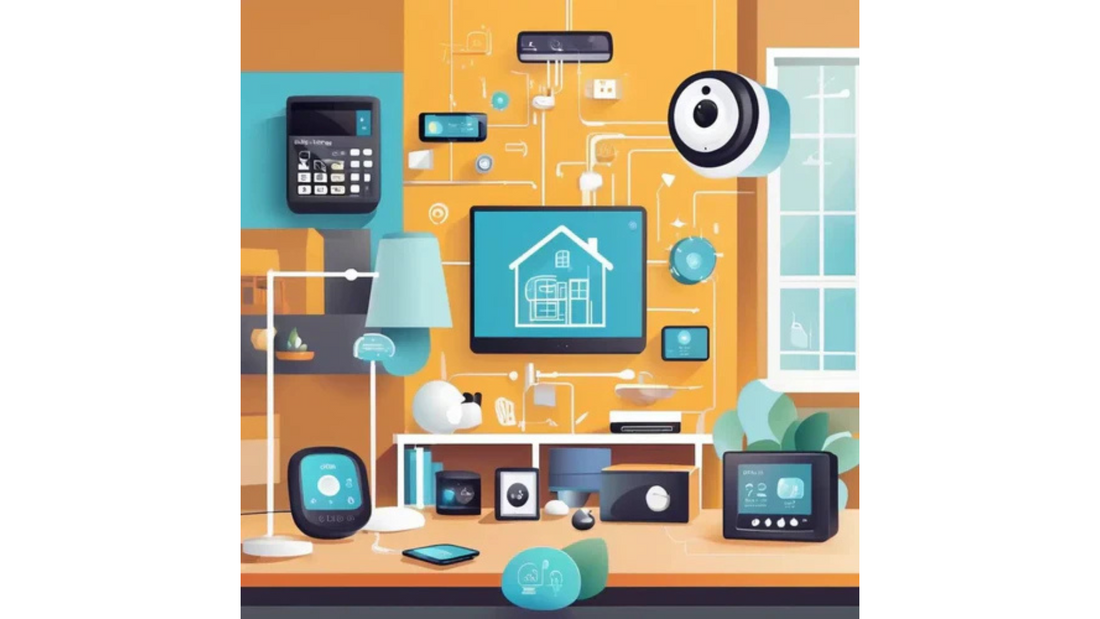
Credit: www.ozsmartthings.com.au
Advanced Tips for Smart Automation
11. Use Sensors
Sensors detect movement, light, or temperature. Use motion sensors to turn lights on when you enter a room. Use temperature sensors to control heating or cooling. Sensors make automation smarter.
12. Link Devices With Ifttt
IFTTT means “If This Then That.” It connects devices and apps. For example, if your door opens, then turn on the hallway light. IFTTT adds more ways to automate your home.
13. Backup Your Settings
Save your automation settings. If you reset a device, you can restore settings fast. Some apps let you export your rules and groups.
14. Test Your Automations
Try each automation to make sure it works. Check if devices respond quickly. Fix any problems before adding more rules.
15. Plan For Power Outages
Smart devices need power and internet. If power goes out, devices stop working. Use battery backups for important devices. This keeps security devices active during outages.
Simple Smart Device Ideas for Your Home
| Room | Device | Automation Example |
|---|---|---|
| Living Room | Smart Lights | Turn lights on at sunset, off at bedtime |
| Kitchen | Smart Plug | Turn coffee maker on at 7 AM |
| Bedroom | Smart Thermostat | Lower temperature at night for better sleep |
| Entrance | Smart Camera | Send alert when someone arrives |
| Bathroom | Motion Sensor | Turn on light when entering, off after leaving |
Common Mistakes to Avoid
- Buying too many devices at once
- Ignoring Wi-Fi and security setup
- Not testing automation before use
- Using devices from many brands without checking compatibility
- Forgetting to update devices
How to Make Smart Automation Work for You
Think about your daily routine. Which tasks take time? Which tasks repeat often? Use smart devices to help with these tasks. Start with simple ideas. Change rules as you learn. Automation should make life easier, not harder.
Be patient. Learning takes time. Ask for help if needed. There are many online communities with tips. Use videos and guides made for beginners. Soon, your smart home will feel like a helpful friend.
Frequently Asked Questions
What Is Smart Device Automation In Simple Terms?
Smart device automation means making devices work automatically using rules or schedules.
How Can I Start Automating Smart Devices At Home?
Begin with simple devices like smart bulbs or plugs and set basic schedules.
Which Smart Devices Work Best For Home Automation?
Smart lights, thermostats, security cameras, and plugs are most popular for automation.
How Do I Connect Smart Devices To Work Together?
Use a common hub or app that supports multiple devices and brands.
Conclusion
Smart device automation can improve your home. It saves time, energy, and adds comfort. Follow these simple tips to start. Choose good devices, secure your network, and create easy rules. Take one step at a time.
Remember, smart homes grow slowly. With care and learning, your devices will work well together. Enjoy the benefits of smart living every day.