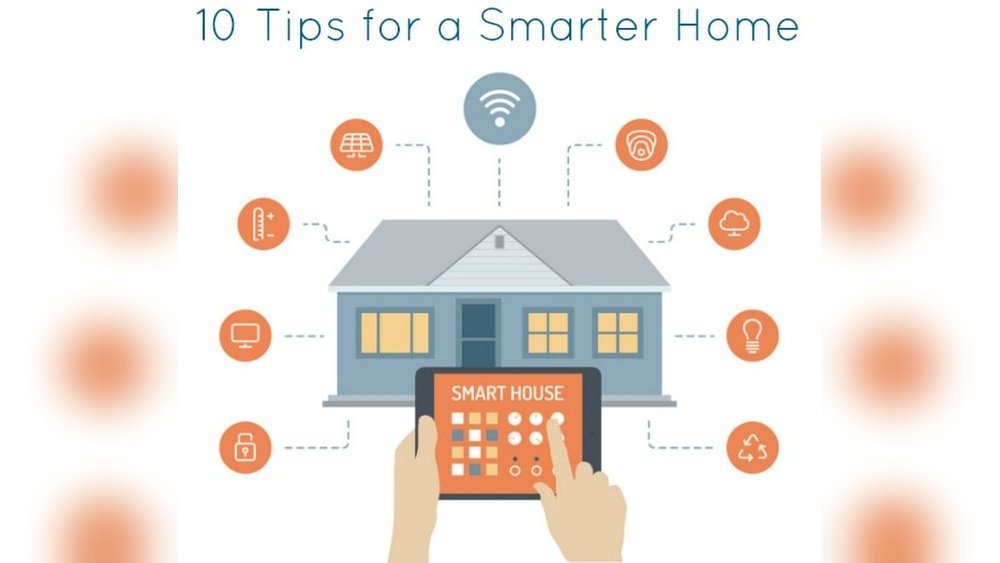
Smart plugs help you control many devices in your home. They are easy to use. You can turn on or off your devices with your phone. This guide will show you how to use smart plugs step by step.
What Is a Smart Plug?
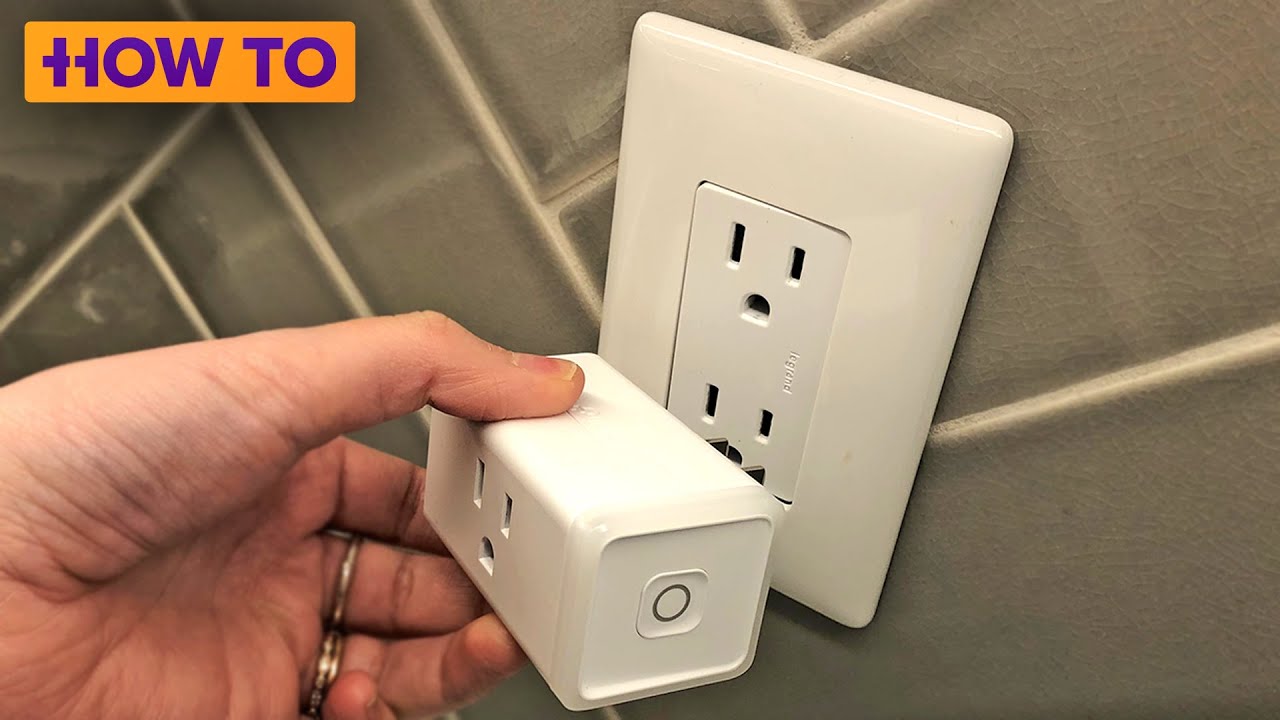
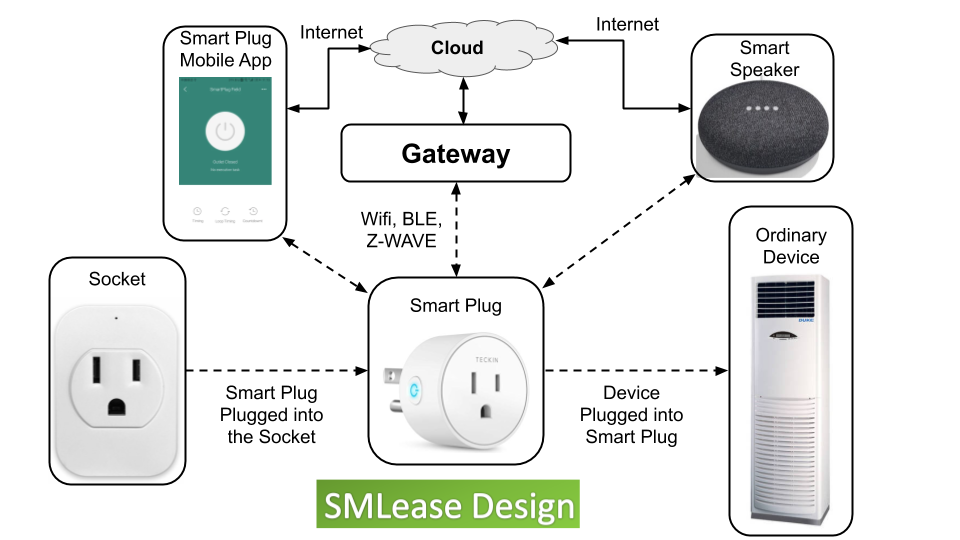
A smart plug is a small device. You plug it into a wall socket. Then, you plug your appliance into the smart plug. It lets you control the appliance from far away. You can use your phone or voice commands to control it.
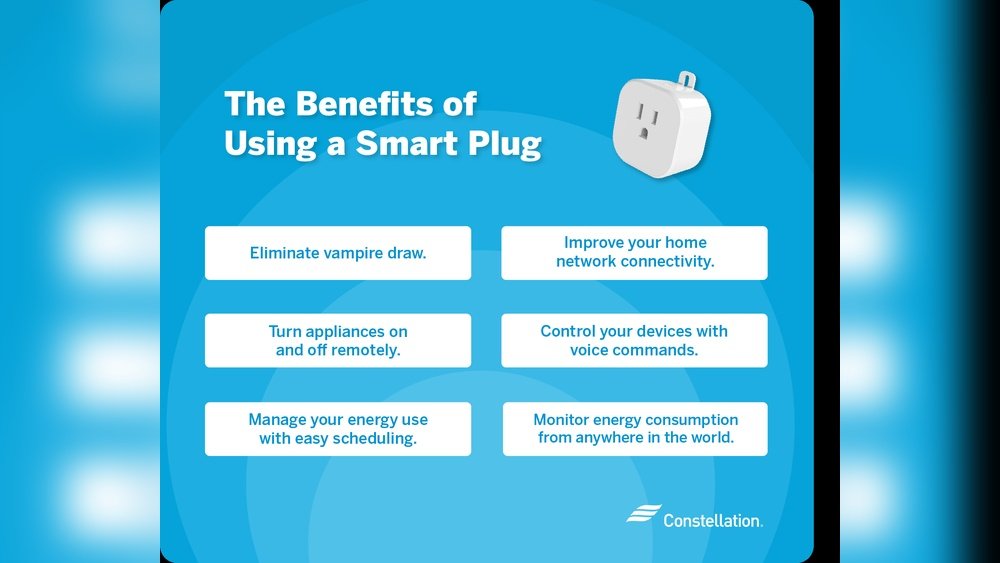
Why Use Smart Plugs?
Turn devices on or off without walking to them.
Save energy by scheduling when devices run.
Make your home safer by controlling lights when you are away.
Control devices outside your home, like garden lights.
What Do You Need to Use a Smart Plug?
A smart plug device.
A smartphone or tablet.
A Wi-Fi network at home.
The app for your smart plug (from the maker).
Most smart plugs work with Wi-Fi. Make sure your phone and the plug use the same Wi-Fi network.
Step 1: Plug in Your Smart Plug
Find a wall outlet. Push your smart plug into it. Some smart plugs have a power button. Press it to turn the plug on. You will see a light blink. This shows the plug is ready to connect.
Step 2: Download the App
Go to your phone’s app store. Search for the smart plug brand’s app. Download and install the app on your phone.
Open the app after installation. You may need to create an account. Follow the app instructions to do this.
Step 3: Connect Your Smart Plug to Wi-Fi
In the app, start the process to add a new device. The app will ask you to connect to your Wi-Fi.
Make sure your phone is on the same Wi-Fi network you want the plug to use. Enter your Wi-Fi password if needed. The smart plug will connect to the internet.
Once connected, the blinking light on the plug may stop or change color. This means the plug is ready to use.
Step 4: Plug in Your Appliance
Now, plug your appliance into the smart plug. This can be a lamp, fan, coffee maker, or other device.
Make sure the appliance can be controlled by turning it on or off by the plug. Some devices with manual switches may not work well.
Step 5: Control Your Device
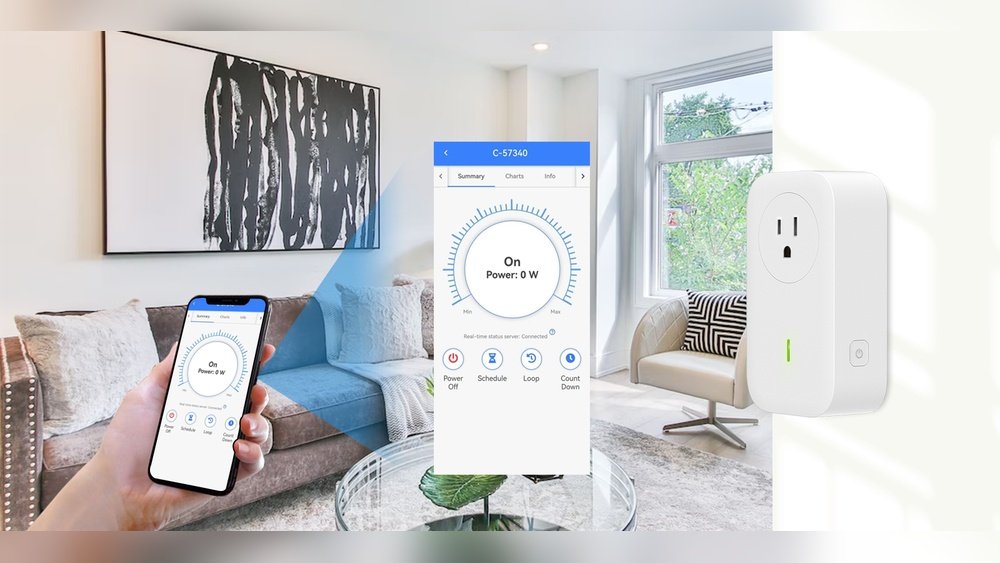
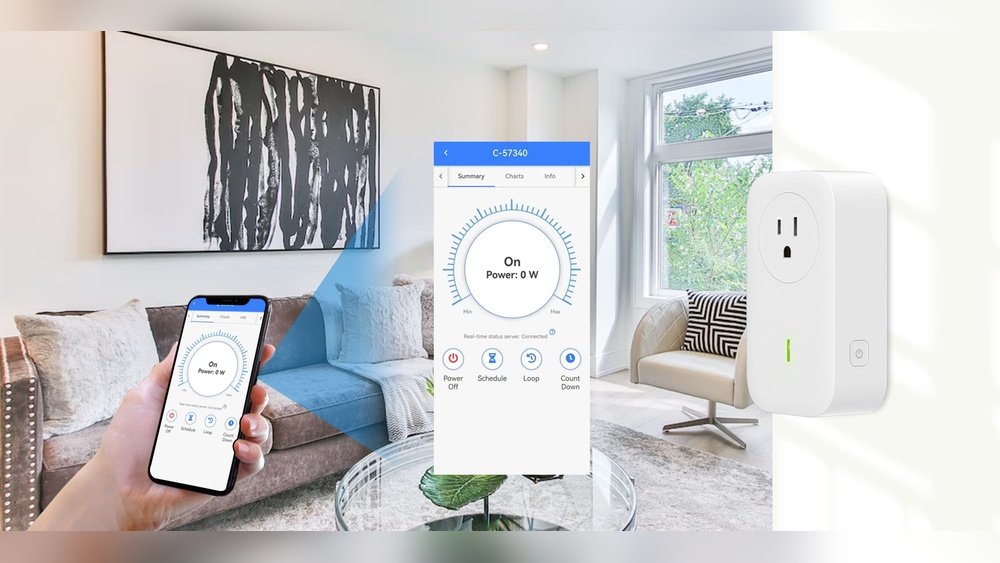
Use the app on your phone to turn the device on or off. You can do this from anywhere in your home or outside.
Some smart plugs work with voice assistants like Alexa or Google Assistant. You can speak commands like, “Turn off the lamp.”
Step 6: Set Schedules
The app usually lets you set schedules. For example, you can make the lamp turn on at 7 PM and off at 10 PM.
This helps save electricity and makes your home more secure. It looks like someone is home when you are away.
What Devices Can You Use with Smart Plugs?
Good devices for smart plugs:
Lamps and lights
Fans and heaters (small size)
Slow cookers and coffee makers
Holiday lights or outdoor decorations
Avoid plugging in:
High-power devices like air conditioners
Microwaves or ovens
Devices with manual controls that must stay on
Outdoor devices without weather protection (unless plug is made for outdoors)
Credit: www.smlease.com