How to Secure Smart Devices: Ultimate Guide to Protect Your IoT Today
Smart devices help us in many ways every day. They make life easier and connect us to the internet. But these devices can also have risks. Hackers can try to break into them. That is why it is very important to keep smart devices safe and secure.
What Are Smart Devices?
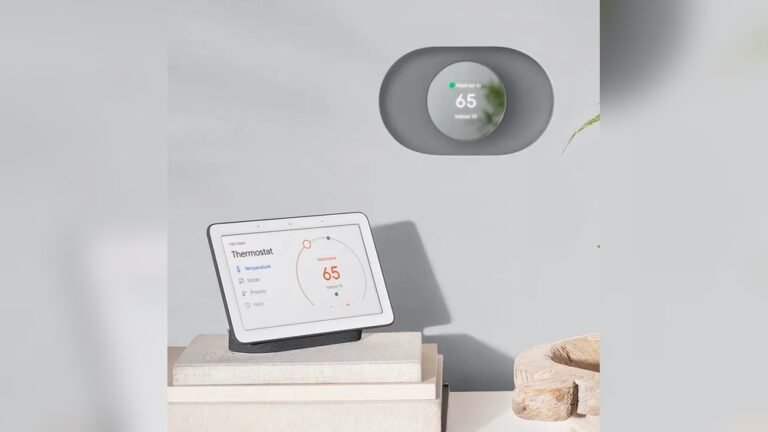
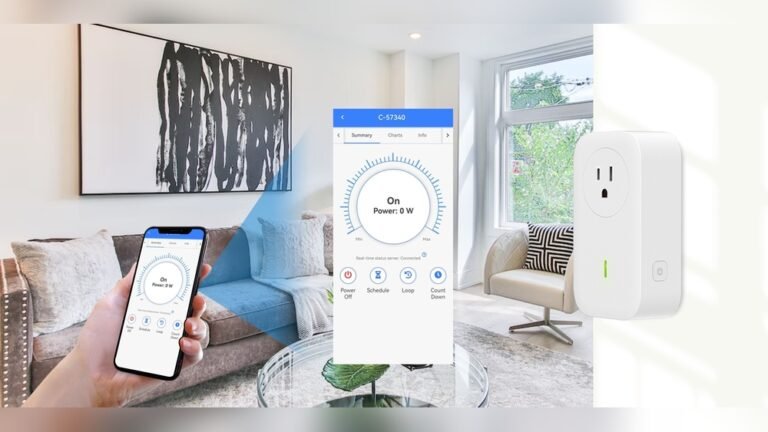
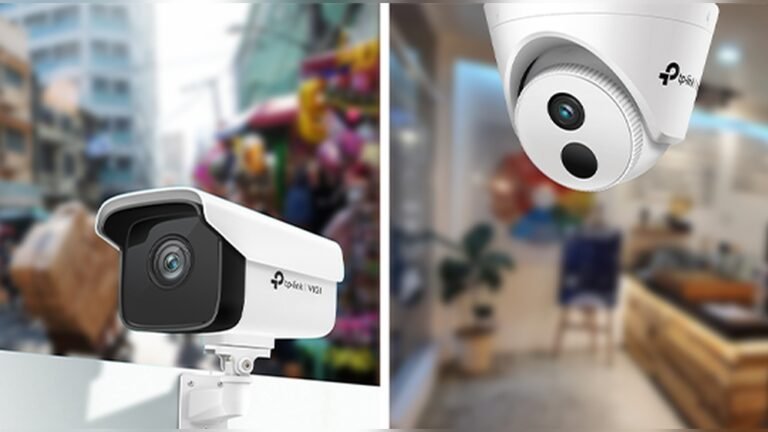
Smart devices are things like smart phones, smart watches, smart cameras, and smart home helpers. They connect to the internet and work with apps. Sometimes they are called IoT devices. IoT means Internet of Things. These devices share information and work with each other. But if they are not safe, bad people can use them to spy or steal data.
Why Is It Important to Secure Smart Devices?
Smart devices hold your private information. This can be your photos, messages, or even passwords. If someone hacks your device, they can see this data. They might also use your device to hurt others. So, protecting your smart devices keeps your information safe and stops bad things from happening.
Credit: cyber.gov.rw
Simple Ways to Secure Your Smart Devices
You do not need to be an expert to keep your devices safe. There are easy steps anyone can follow. Here are some simple and useful tips.
1. Use Strong Locks On Your Devices
Always lock your devices with a strong PIN or password. If your device has fingerprint or face recognition, use it. This stops others from opening your device without permission.
2. Keep Software Updated
Smart devices need regular updates. Updates fix security problems and add new protections. Turn on automatic updates so your device always has the latest version.
3. Install Security Software
Use antivirus or security apps if available. These apps find and stop viruses or malware. They help keep your device clean and safe.
4. Download Apps From Trusted Sources Only
Only get apps from official stores like Google Play or Apple App Store. Apps from unknown places might have viruses. Also, delete apps you do not use anymore.
5. Be Careful With Public Wi-fi
Public Wi-Fi is not always safe. Hackers can watch your activity on these networks. Avoid using public Wi-Fi for important tasks like banking. If you must use it, use a VPN for protection.
Credit: consumer.ftc.gov
Advanced Tips to Protect Your Smart Devices
Once you have the basics, try these extra steps for better security.
1. Encrypt Your Device
Encryption scrambles your data. It makes your information unreadable to others. If your device is lost or stolen, encryption keeps your data safe. Check your device settings to turn on full-disk encryption.
2. Back Up Your Data Regularly
Back up means save a copy of your important files. This helps if your device breaks or is lost. Use cloud services or external drives to keep backups safe.
3. Use Vpns On Public Networks
A VPN creates a secure tunnel for your internet connection. It hides your information from others. Use a VPN when you connect to public Wi-Fi. This stops hackers from spying on you.
4. Protect Your Device Physically
Keep your device in a safe place. Do not leave it where others can take it easily. Physical safety is as important as digital safety.
5. Turn Off Wi-fi And Bluetooth When Not Needed
Wi-Fi and Bluetooth can be ways for hackers to connect. When you do not need them, turn them off. This reduces chances of unwanted access.
6. Hide Notifications On Lock Screen
Sometimes notifications show private messages. Set your device to hide sensitive content on the lock screen. This stops others from reading your messages without unlocking your device.
7. Use “find My Device” And Remote Wipe
Most smart devices have a “Find My Device” option. It helps you locate lost devices. You can also lock or erase your device remotely. This protects your data if your device is stolen.
How to Set Up These Security Features
Let’s see how you can set up some of these features on your device.
| Feature | How to Set Up |
|---|---|
| Strong Lock Screen | Go to Settings > Security > Screen Lock. Choose PIN, password, or biometric. |
| Automatic Updates | Settings > Software Update > Turn on Automatic Updates. |
| Encryption | Settings > Security > Encryption > Enable Full-Disk Encryption. |
| Find My Device | Settings > Security > Find My Device > Turn On. |
| VPN | Download a trusted VPN app from the official store and follow instructions. |
| Hide Notifications | Settings > Notifications > Lock Screen > Hide Sensitive Content. |
Common Mistakes to Avoid
Even with good intentions, some errors can lower your device security. Watch out for these:
- Using easy passwords like “1234” or “password”.
- Ignoring software updates.
- Downloading apps from unknown websites.
- Connecting to free public Wi-Fi without protection.
- Sharing your device or passwords with others.
Why Do Hackers Target Smart Devices?
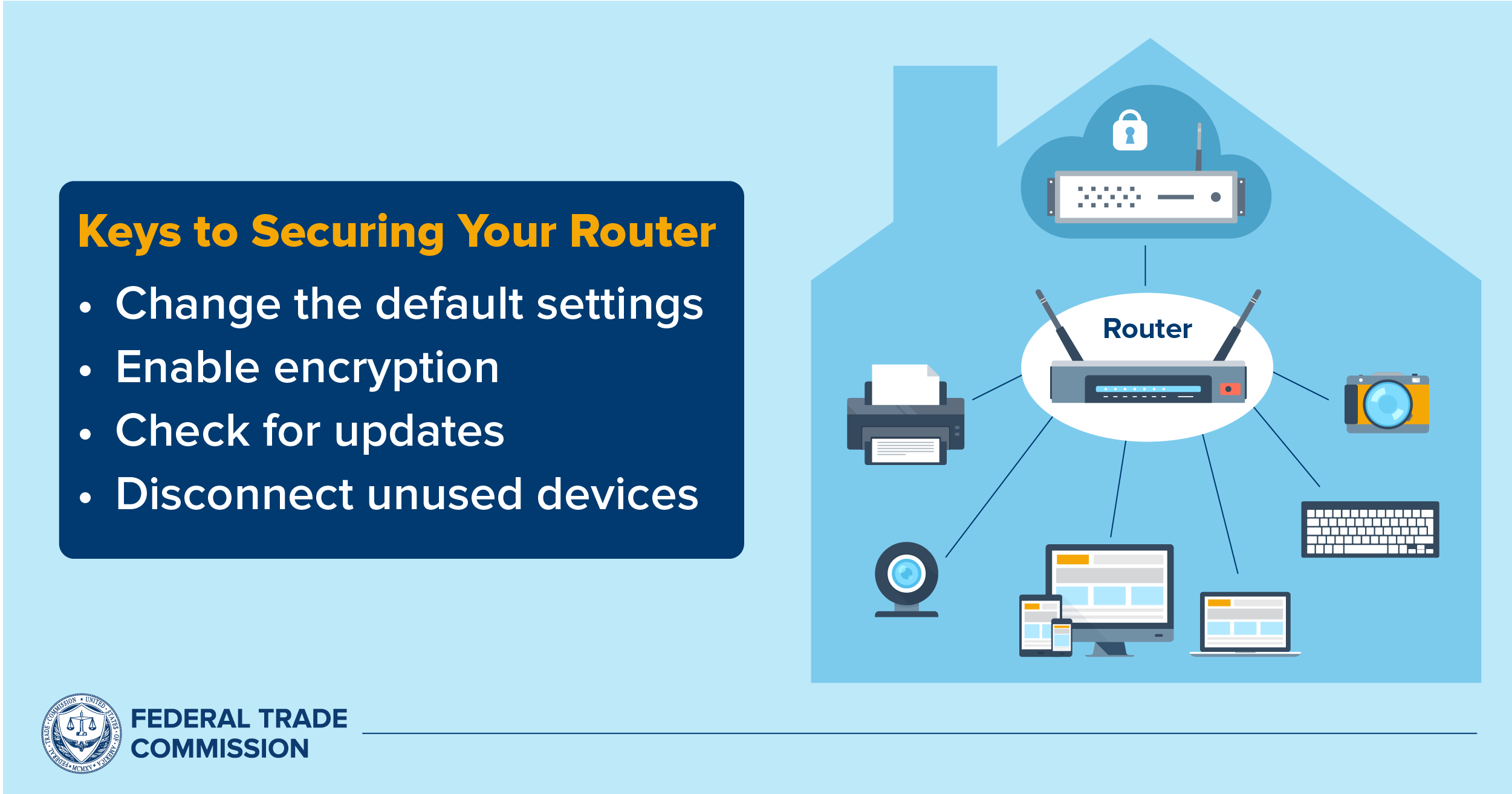
Smart devices often have weak security. Many people do not change default settings. Hackers find it easier to break into these devices. Once inside, they can steal data or use the device for attacks. This is why taking steps to secure your devices is very important.
Benefits of Securing Smart Devices
When you protect your smart devices, you get many benefits:
- Your personal information stays private.
- Your device works better and lasts longer.
- You avoid costly problems like identity theft.
- You can use your devices with more confidence.
Final Thoughts
Securing smart devices is simple but very important. Follow the easy steps we shared. Use strong passwords, update software, and be careful with apps and networks. Add advanced tips as you get comfortable. Protecting your devices keeps your data safe and your life easier.
Stay safe and enjoy the benefits of smart devices.
Frequently Asked Questions
How Secure Are Smart Devices?
Smart devices offer convenience but face security risks from hackers. Use strong passwords, update software, install antivirus, and enable encryption. Only download apps from trusted sources, use VPNs on public Wi-Fi, and back up data regularly to enhance safety. Keep devices physically secure and disable unused connectivity.
How Do I Make My Device Secure?
Use strong PIN, password, or biometrics to lock your device. Keep software and apps updated with automatic updates. Install trusted antivirus software and encrypt your data. Only download apps from official stores. Avoid public Wi-Fi or use a VPN, and regularly back up your data securely.
How Will We Ensure That Smart Devices Are Kept Safe And Secure?
We keep smart devices safe by using strong passwords and biometric locks. Regularly update software and apps. Install trusted security software. Enable encryption and automatic backups. Use VPNs on public Wi-Fi and disable unused connections. Protect devices physically and activate remote tracking features.
How To Secure Connected Devices?
Secure connected devices by using strong passwords or biometrics and enabling automatic updates. Install trusted apps only. Activate full-disk encryption and antivirus software. Use VPN on public Wi-Fi and back up data regularly. Disable Bluetooth and Wi-Fi when unused. Enable remote wipe and “Find My Device” features.