
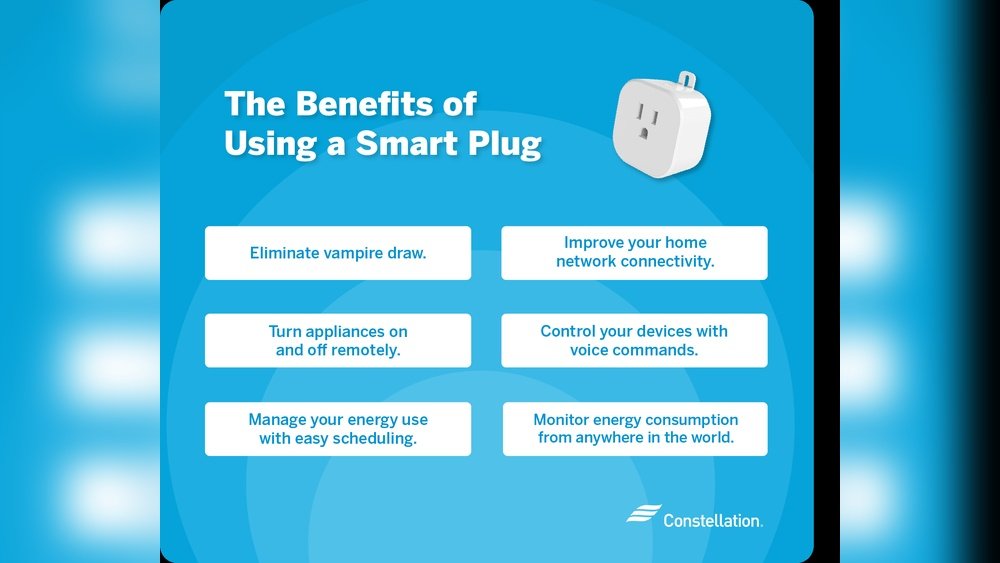
How to Use Smart Plugs: Ultimate Guide to Effortless Home Automation
Smart plugs help you control many devices in your home. They are easy to use. You can turn on or off your devices with your phone. This guide will show you how to use smart plugs step by step.
What Is a Smart Plug?
A smart plug is a small device. You plug it into a wall socket. Then, you plug your appliance into the smart plug. It lets you control the appliance from far away. You can use your phone or voice commands to control it.
Why Use Smart Plugs?
- Turn devices on or off without walking to them.
- Save energy by scheduling when devices run.
- Make your home safer by controlling lights when you are away.
- Control devices outside your home, like garden lights.
What Do You Need to Use a Smart Plug?
- A smart plug device.
- A smartphone or tablet.
- A Wi-Fi network at home.
- The app for your smart plug (from the maker).
Most smart plugs work with Wi-Fi. Make sure your phone and the plug use the same Wi-Fi network.
Step 1: Plug in Your Smart Plug
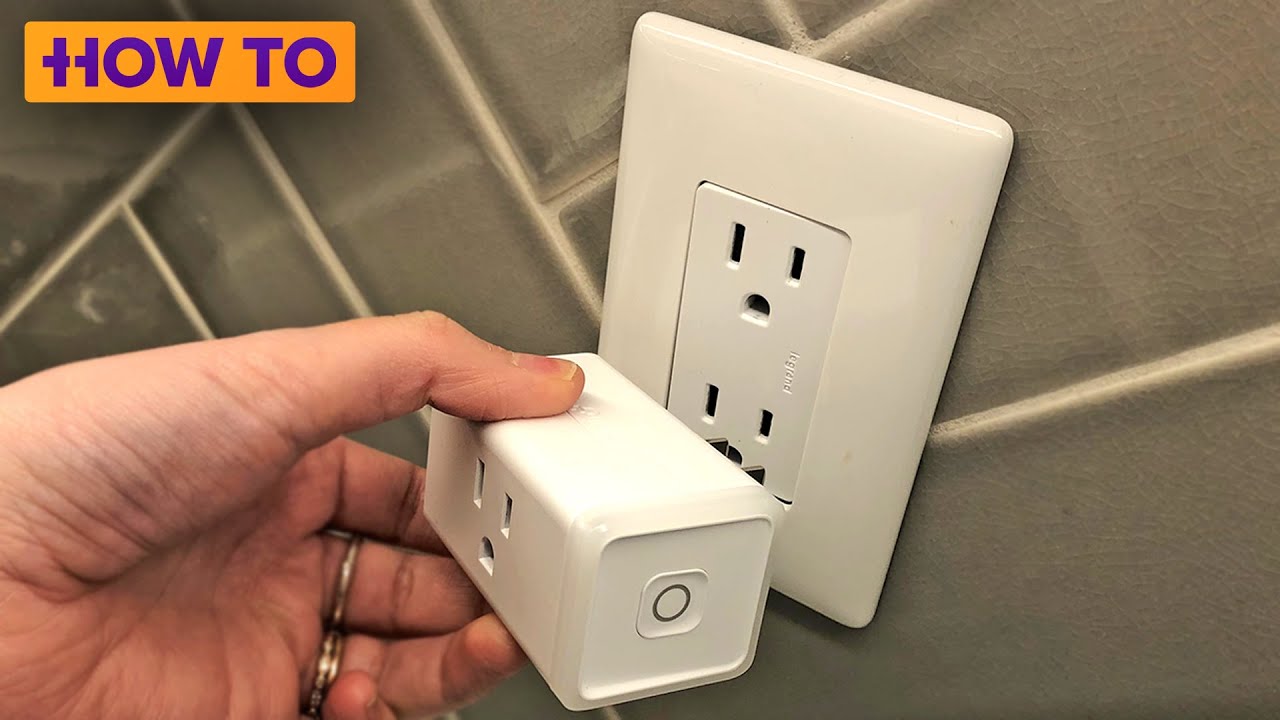
Find a wall outlet. Push your smart plug into it. Some smart plugs have a power button. Press it to turn the plug on. You will see a light blink. This shows the plug is ready to connect.
Step 2: Download the App
Go to your phone’s app store. Search for the smart plug brand’s app. Download and install the app on your phone.
Open the app after installation. You may need to create an account. Follow the app instructions to do this.
Step 3: Connect Your Smart Plug to Wi-Fi
In the app, start the process to add a new device. The app will ask you to connect to your Wi-Fi.
Make sure your phone is on the same Wi-Fi network you want the plug to use. Enter your Wi-Fi password if needed. The smart plug will connect to the internet.
Once connected, the blinking light on the plug may stop or change color. This means the plug is ready to use.
Step 4: Plug in Your Appliance
Now, plug your appliance into the smart plug. This can be a lamp, fan, coffee maker, or other device.
Make sure the appliance can be controlled by turning it on or off by the plug. Some devices with manual switches may not work well.
Step 5: Control Your Device
Use the app on your phone to turn the device on or off. You can do this from anywhere in your home or outside.
Some smart plugs work with voice assistants like Alexa or Google Assistant. You can speak commands like, “Turn off the lamp.”
Step 6: Set Schedules
The app usually lets you set schedules. For example, you can make the lamp turn on at 7 PM and off at 10 PM.
This helps save electricity and makes your home more secure. It looks like someone is home when you are away.
What Devices Can You Use with Smart Plugs?
Good devices for smart plugs:
- Lamps and lights
- Fans and heaters (small size)
- Slow cookers and coffee makers
- Holiday lights or outdoor decorations
Avoid plugging in:
- High-power devices like air conditioners
- Microwaves or ovens
- Devices with manual controls that must stay on
- Outdoor devices without weather protection (unless plug is made for outdoors)
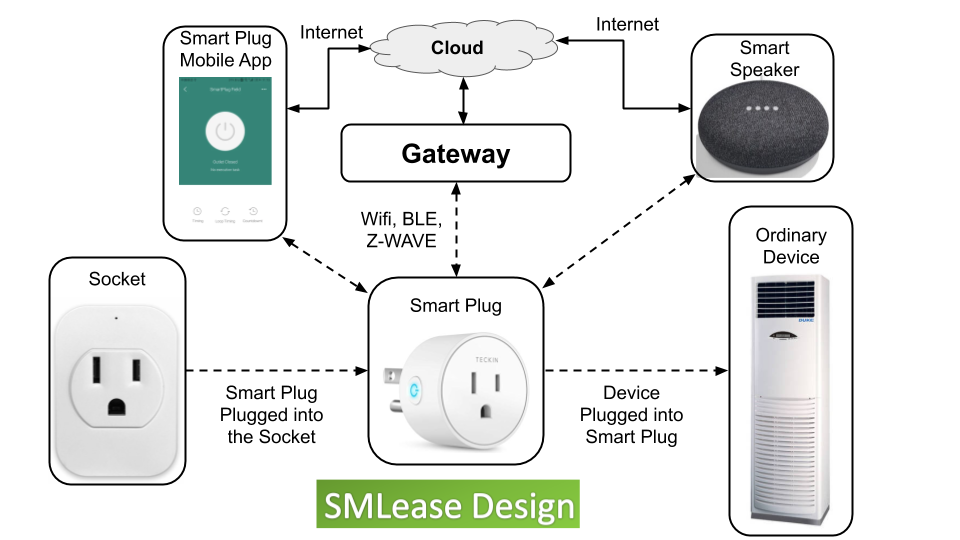
Credit: www.smlease.com
Tips for Using Smart Plugs Safely
- Do not overload the smart plug with heavy appliances.
- Use smart plugs indoors unless they are designed for outdoor use.
- Keep the plug away from water and wet areas.
- Check your Wi-Fi signal is strong near the plug.
- Keep your app and plug updated for security.
Credit: www.youtube.com
Benefits of Using Smart Plugs
| Benefit | Why It Helps |
|---|---|
| Energy Saving | Turn off devices when not in use automatically. |
| Convenience | Control devices from anywhere using your phone. |
| Security | Turn lights on/off to make your home safer. |
| Easy to Use | No wiring needed; just plug and use. |
How to Troubleshoot Common Problems
If your smart plug does not connect:
- Check if your Wi-Fi is working.
- Make sure your phone is near the plug during setup.
- Restart your Wi-Fi router.
- Try unplugging and plugging the smart plug again.
- Follow the app instructions carefully.
If the plug works slowly:
- Check your Wi-Fi speed.
- Move your router closer to the plug.
Frequently Asked Questions
What Should You Not Plug Into A Smart Plug?
Avoid plugging high-powered appliances, heating devices, outdoor equipment without rating, manual setting gadgets, or other smart devices into a smart plug.
What Are Good Things To Use Smart Plugs For?
Smart plugs automate lamps, coffee makers, fans, and holiday lights. They enable remote control, scheduling, and energy savings for indoor and outdoor devices.
What Do I Need To Make A Smart Plug Work?
Plug the smart plug into a wall outlet. Download the manufacturer’s app. Connect the smart plug to Wi-Fi. Use the app to control devices remotely.
How Do I Connect My Smart Plug To My Wi-fi?
Plug your smart plug into a wall outlet. Download and open the companion app. Follow app prompts to connect the plug to your Wi-Fi network. Once connected, control devices remotely through the app or voice commands. Ensure your phone is on the same Wi-Fi during setup.
Conclusion
Smart plugs are simple tools to control your home devices. They help save energy and add safety. Anyone can set them up with a phone and Wi-Fi. Just follow these steps:
- Plug in the smart plug.
- Download the app.
- Connect to Wi-Fi.
- Plug in your device.
- Use the app or voice to control it.
Now you can make your home smarter in a simple way.